
SPF, DKIM, and DMARC Explained (Without the Jargon)
SPF, DKIM, and DMARC explained the way practitioners use them: what each protocol does, how alignment binds them, and why Gmail and Yahoo require all three.
SPF, DKIM, and DMARC Explained (Without the Jargon)
You want SPF, DKIM, and DMARC explained without a lecture, so here’s the short version: they’re three DNS TXT records that together prove an email actually came from your domain, covering who may send, whether the content was touched, and what happens when a check fails. You need all three. Gmail and Yahoo have required them for bulk senders since early 2024, and the protocol that makes spoofing genuinely hard is DMARC, through a concept called alignment, the one idea in this stack most people skip.
This guide walks each protocol through in plain English, runs one real message across all three so the layering makes sense, and points you at free checkers to audit your own records.
SPF, DKIM, and DMARC explained at a glance
All three live in your DNS as TXT records, and all three fight the same enemy (forged sender addresses) from different angles. The table below is the thirty-second version. Pay particular attention to the third column: what each protocol can’t do is why the other two exist, and it’s where most misconfigurations hide.
| Protocol | What it does | What it checks | What it can’t do | Published as |
|---|---|---|---|---|
| SPF | Lists the IP addresses and servers authorized to send mail for your domain | The envelope sender (Return-Path) against your published list of allowed IPs | Nothing about the message body; breaks on forwarding; doesn’t check the visible From: address | DNS TXT record |
| DKIM | Adds a cryptographic signature over the headers and body | That the signature is valid, i.e., the message wasn’t altered and the signer holds the private key | Doesn’t say which IPs may send; a valid signature can still be on a spoofed From: domain | DNS TXT record (per selector) |
| DMARC | Ties SPF/DKIM results to the visible From: domain and sets a policy + reporting | Alignment: does an authenticated domain match the From: domain? | Can’t sign or authorize by itself; it only interprets SPF and DKIM results | DNS TXT record (_dmarc) |
What does SPF do, and where does it fall short?
SPF (Sender Policy Framework) answers one question: is this IP allowed to send mail for this domain? You publish a TXT record listing your authorized servers. The receiver reads the envelope sender’s domain (the Return-Path, not the From: your recipient sees), pulls its SPF record, and checks the connecting IP against the list. On the list, pass. Off it, fail.
The blind spots matter more than the mechanism. Because SPF only authenticates the envelope sender, an attacker can pass SPF cleanly on their own domain while forging your brand in the visible From: header. It says nothing about whether the message was altered. And it breaks on forwarding: when a mailing list or a forwarding rule relays your message, the connecting IP changes, so SPF fails at the destination even though the mail is perfectly legitimate.
Then there’s the ceiling that bites people who did everything right. Per RFC 7208 §4.6.4, an SPF check may trigger at most 10 DNS lookups. Every include, a, mx, ptr, exists, and redirect counts, nested includes included. Cross the line and the receiver returns a PermError and treats SPF as failed. If we could make every domain owner check one thing, it’d be this lookup count. It fails silently, it fails after you were fine for a year (one more cloud sender, one more include), and the only place it shows up is the DMARC reports you’re not reading. Audit your record and lookup count with the free SPF record checker.
How does DKIM prove an email wasn’t tampered with?
Every DKIM-signed message carries two breadcrumbs in its header: a domain (d=) and a selector (s=). The receiver glues them together, fetches selector._domainkey.yourdomain.com from DNS, and checks the signature against the public key it finds there. If the math works, the message wasn’t touched in transit, and the signer genuinely holds the domain’s private key.
That’s DKIM (DomainKeys Identified Mail) in one pass. The signature is computed over the headers and body using a private key only your sending system holds, which means a forwarder that relays your message faithfully leaves the signature intact. File that away; it’s the detail that saves forwarded mail when we get to DMARC. Selectors also make key rotation survivable: publish a new key under a new selector, switch your signing over, and leave the old selector live for a grace period so in-flight mail still verifies.
On key strength, Google’s sender guidelines require a DKIM key of at least 1,024 bits and recommend 2,048. Take the recommendation. And DKIM carries a gap that mirrors SPF’s: a valid signature only proves the signing domain controls its key. Nothing forces that d= domain to have any relationship with the From: address your recipient reads. Closing that gap is DMARC’s entire job. Confirm your published key and selector with the free DKIM record checker.
What does DMARC add that SPF and DKIM can’t?
Notice what SPF and DKIM have in common: both authenticate domains your recipient never sees: the Return-Path and the d= tag. DMARC (Domain-based Message Authentication, Reporting and Conformance) closes that hole. It requires an authenticated domain to match the visible From: domain, sets a policy for what receivers do on failure, and sends you reports on everyone claiming to be you.
Alignment is the load-bearing idea. DMARC passes when at least one of SPF or DKIM passes and its authenticated domain aligns with the From: domain. Either/or, by design: a forwarded message typically fails SPF because the relaying IP changed, but an intact, aligned DKIM signature still carries it to a DMARC pass. Without that rule, ordinary forwarding would break DMARC for legitimate mail.
Alignment comes in two modes. Relaxed, the default, lets a subdomain match the organizational domain: mail.example.com aligns with example.com. Strict demands an exact match. Stay on relaxed unless you have a specific reason to lock to a single hostname; most senders never do.
The policy tag, p=, tells receivers what to do when a message fails:
p=none: monitor only. Failing mail still gets delivered; you collect reports.p=quarantine: failing mail goes to spam/junk.p=reject: failing mail is refused outright.
We’ll be blunt about the first one: p=none satisfies Gmail’s checkbox and stops exactly zero spoofing. It’s a starting line most domains treat as a finish line. The point of publishing it is to read the reports it generates and earn your way to quarantine, then reject, the end state where impersonation actually gets blocked.
Those reports arrive via two tags. RUA is the aggregate stream: daily XML summaries of every source sending as your domain and whether they passed. RUF is per-message failure detail, though many receivers no longer send it for privacy reasons. Aggregate reports are where silent SPF PermErrors and rogue senders surface, and raw XML is unreadable at any volume, which is the problem DMARC monitoring exists to solve by parsing it into a dashboard. Check any domain’s published policy with the free DMARC record checker.
How do the three work together on a real email?
Walk one message through and the layering clicks. Your marketing platform sends a campaign from you@example.com. The receiving server runs SPF first: it reads the envelope sender’s domain, pulls that domain’s SPF record, and checks whether the platform’s IP is authorized. Then DKIM: it finds the DKIM-Signature header, fetches the public key via the selector, and verifies the signature over the headers and body.
Now DMARC does the job neither can do alone. It asks whether the SPF domain or the DKIM d= domain matches example.com, the domain in the From: line your recipient actually reads. One authenticated, aligned pass and the message is trusted. Both fail, or neither aligns, and your published policy applies: deliver (none), junk (quarantine), or refuse (reject). Either way, the receiver logs the outcome and rolls it into the aggregate report headed for your RUA address.
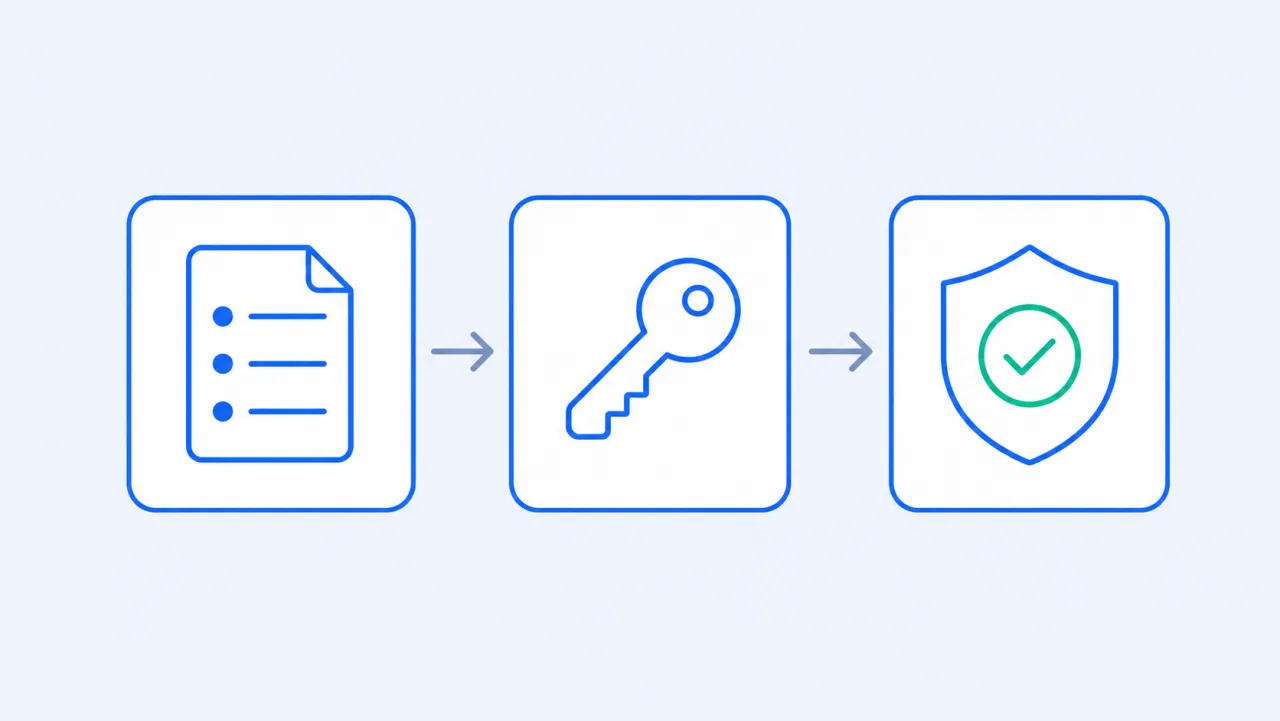
That is the whole design in one pass: SPF authorizes the server, DKIM protects the content, and DMARC binds both to the name your recipient sees and dictates the consequence.
Why do all three matter now?
Because the mailbox providers stopped asking nicely. Since February 1, 2024, Google and Yahoo require anyone sending more than 5,000 messages a day to their users to authenticate with both SPF and DKIM, publish a DMARC record (minimum p=none), align the From: domain with SPF or DKIM, offer one-click unsubscribe on marketing mail, and keep the spam-complaint rate below 0.3%. Microsoft has since announced similar rules for high-volume senders.
What that means day to day: a missing or broken record no longer just dents your reputation; it gets legitimate mail throttled, junked, or rejected at the gateway. And “broken” is often invisible. An SPF PermError from crossing the 10-lookup limit shows up nowhere except your DMARC aggregate reports, which is one more reason those reports deserve a reader. If you send at any real volume, treating SPF, DKIM, and DMARC as a set is table stakes, not a nice-to-have.
How do you check your own SPF, DKIM, and DMARC records?
Audit what’s actually published before you change anything. Run your domain through the free SPF record checker (record exists, syntax valid, under the 10-lookup limit), then the DKIM record checker to confirm your selector resolves to a valid public key, and the DMARC record checker to see your current policy and reporting addresses. Fix any errors before you touch enforcement.
Then, if you haven’t already, publish a DMARC record at p=none with an RUA address so the aggregate reports start flowing. They’re your ground truth: every source sending as your domain, pass or fail. We’ll say it once more: don’t let none become permanent. Reading raw XML by hand is miserable, so let DMARC monitoring turn it into a dashboard, flag spoofing and misconfigured senders, and walk your policy from none to quarantine to reject without cutting off legitimate mail along the way.
Written by
Ryan Sullivan , Email Deliverability & Operations
Ryan has spent over a decade cleaning lists and protecting sender reputation for outbound teams and ESP marketers, and writes about the parts of email deliverability you usually learn the hard way.